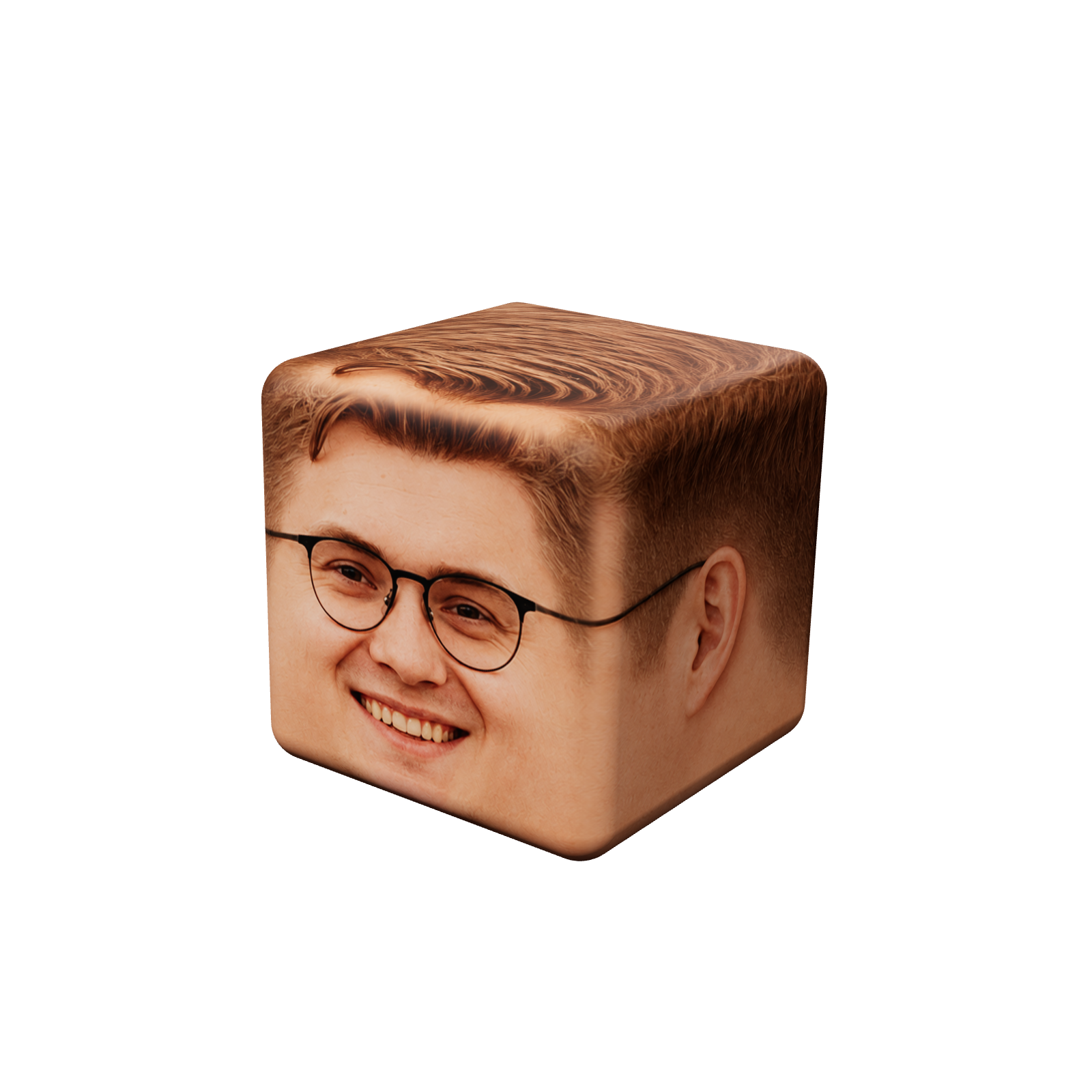
lightdial
ui component from cubas
a small control for where the light of a scene comes from and how strong it is.
states
install
one file, no dependencies. the element says where the light is; what it lights is up to you
<script type="module" src="https://likemiens.com/ui/light-dial/light-dial.js"></script>

<light-dial angle="0" intensity="80"></light-dial>

<script type="module">
  const dial = document.querySelector("light-dial");

  dial.addEventListener("input", ({ detail: { angle, intensity } }) => {
    // three.js: turn the light rig round the object, scale its light
    rig.rotation.y = (angle * Math.PI) / 180;
    key.intensity = 3.2 * (intensity / 80);

    // css: a shadow that falls away from the lamp
    const a = (angle * Math.PI) / 180;
    const power = intensity / 100;
    const length = 3 + 9 * power;
    card.style.boxShadow =
      `${-Math.sin(a) * length}px ${-Math.cos(a) * length}px ` +
      `${6 + 10 * power}px rgb(0 0 0 / ${0.3 * Math.min(power, 1)})`;
  });
</script>api
angle−180…180°: 0 puts the lamp in front of the object, 90 on its right, ±180 behind it. any number folds into the range: 270 is −90.intensity0…150 %. a number out of the range is shown as an error; the events carry it held at the edge.input · changeevents: while the light moves, and when a gesture ends. event.detail is { angle, intensity }.label · disabled · langthe visible name (light by default), switching it off, the language of its screen-reader texts: en or ru.statehover, drag, focus or typing: shows that state without a pointer, for previews like the one above.--ld-lamp · --ld-beam · --ld-focusthe colours of the lamp, its beam and the focus ring; --ld-speed slows its transitions down.keysarrows turn by 5° (with shift by 15°), page up and down by 45°, home and end to the back; in a field ↑ and ↓ step by 1 (shift 10), enter applies, esc brings the old value back. a press on the dial puts the lamp there; on the lamp itself, it takes it without a jump.